

As we move through 2026, the importance of securing your CAD files and protecting your Intellectual Property (IP) has never been greater. With unauthorized access potentially costing organizations billions annually, a robust CAD file security strategy is paramount, especially for users of Autodesk Inventor, one of the most widely used CAD design tools on the market. If you're an entrepreneur, freelancer, or SME, this is your must-read guide to navigating the modern landscape of Autodesk Inventor file security and IP protection.
Why Protecting CAD Files and IP is Essential in 2026
According to industry studies, intellectual property theft costs U.S. businesses approximately $600 billion annually. In the manufacturing and design industries, CAD files are central to operations, and they're also prime targets for cyber-attacks and unauthorized use. Digital vulnerabilities are expanding, and with more companies adopting cloud workflows, the stakes to protect sensitive files and designs are higher than ever.
10 Proven Steps to Secure Your Autodesk Inventor CAD Files
1. Avoid Sharing Native Inventor Files
Native Inventor files (such as .ipt, .iam, and .idw files) contain the complete set of data for your designs. Sharing these files increases the risk of IP theft. Instead, opt for neutral file formats like .DWF, .STEP, or .PDF. Learn more about why sharing native files can be risky in this discussion on Reddit.
2. Use File Encryption and Data Encryption Plugins
Tools such as BORIS, a plugin for Autodesk Inventor, secure your designs by creating a digital twin of files and storing them on a blockchain. This ensures "first in time, first in right" IP protection and mitigates the risk of unauthorized file distribution. Learn how to apply this method by exploring the BORIS plugin's capabilities here.
3. Implement Software Access Controls and Permission Management
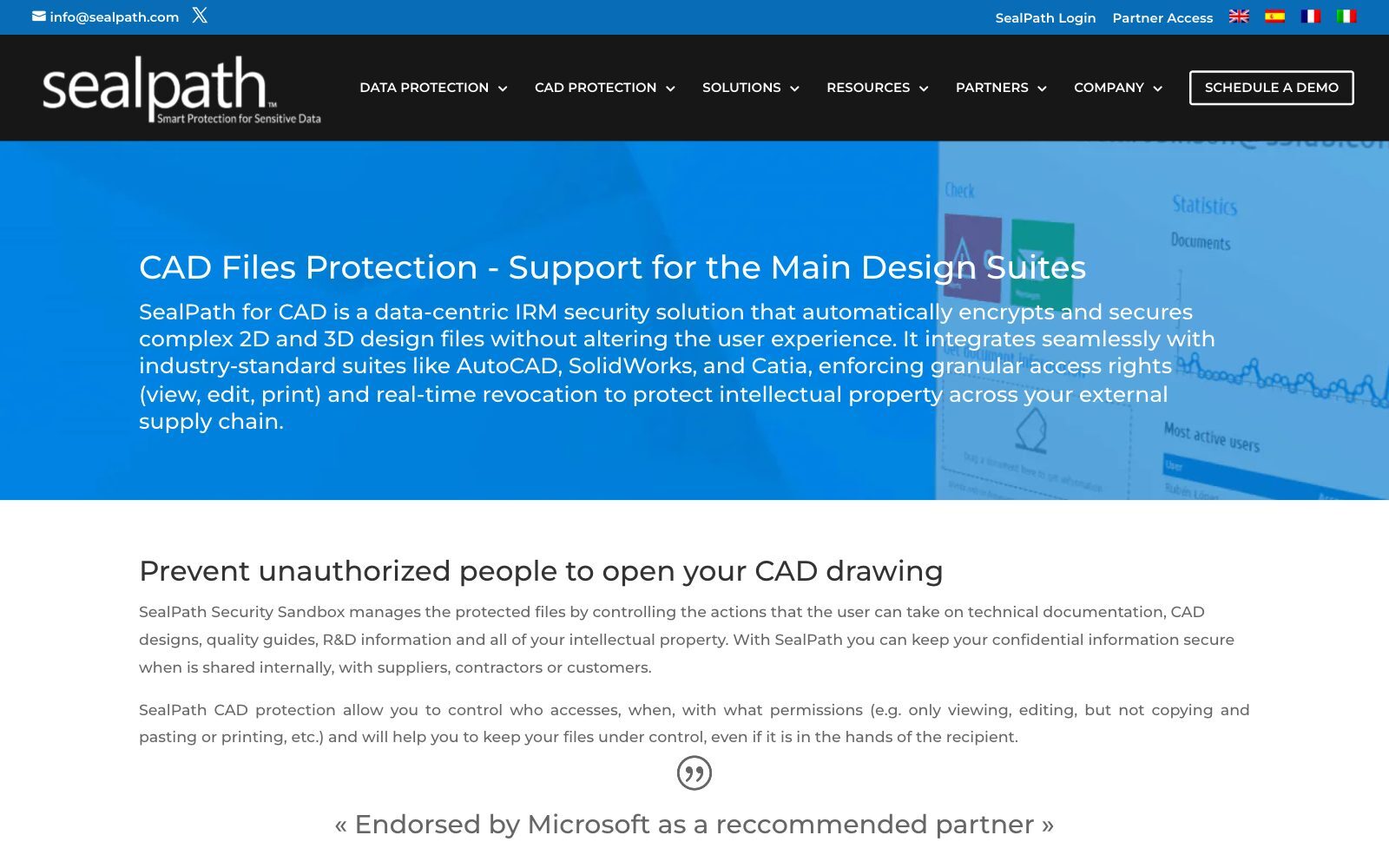
Use tools like Sealpath, which integrate with Autodesk Inventor, to control who can access your files and what they’re allowed to do with them. Assign user-specific permissions to prevent unauthorized alterations or exports. Dive deeper into using Sealpath to control file access right here.
4. Secure Files During Collaboration with HaloCAD
HaloCAD, built for Autodesk Inventor, provides encryption powered by Microsoft Purview Information Protection. When working with third-party vendors or contractors, HaloCAD encrypts files end-to-end, ensuring the integrity of your intellectual property. More details can be found about HaloCAD encryption methods here.

5. Leverage Lockfiles for Collaborative Projects
Autodesk Inventor uses a lockfile.lck system to prevent users from overwriting each other's work. This ensures design continuity and avoids data corruption. Learn about best practices for lockfile management on the Peer Knowledge Base.
6. Employ Cloud-Based Data Security Systems
Choose secure cloud providers with built-in data protection strategies optimized for CAD files. Systems like Microsoft Azure Information Protection can encrypt files automatically post-upload, ensuring they never fall into the wrong hands.
7. Adopt File Format Conversion as an Additional Security Layer
When sharing files with clients or external stakeholders, export Autodesk Inventor files into secure formats like .DWF, which maintains compatibility while hiding the original source data. Here's a detailed write-up on CAD file format protection methods on Sealpath.
8. Apply Cryptographic Cybersecurity Practices
One of the most effective tools in your toolkit should include cryptographic encryption. This not only secures files on your end but also protects them during transit to clients or collaborators. Learn about cryptographic methods in this guide from Digital Guardian.
9. Utilize Antivirus Software Carefully
Antivirus programs are vital for system-level security but should be configured to exclude real-time scanning of CAD files. Real-time antivirus scans can unintentionally lock files or lead to permanent data corruption in Autodesk Inventor. Read Autodesk's official guidelines on pairing Inventor with antivirus software here.
10. Regularly Update Your Software
Autodesk frequently releases patch updates to secure vulnerabilities. Ensure your Inventor software and its plugins, including security tools like HaloCAD and BORIS, are updated to their latest versions.
Common Mistakes to Avoid
- Excessive File Sharing: Sharing Autodesk Inventor source files exposes your IP to exploitation.
- Relying Only on Firewalls: Firewalls aren't foolproof; adopt a multi-layer security strategy.
- Neglecting Third-Party Permissions: Regularly review the access you’ve granted to partners, contractors, or vendors.
- No Audit Trail: Fail to track changes and access history? You've got a blindspot for breaches.
Advertisement: Supercharge Your Content Creation
Do you need high-quality, research-based articles for your startup? The free F/MS AI Article Writer writes SEO blog articles in minutes, on CAD security or any other tech niche. Try the free F/MS AI Article Writer.
Conclusion
Autodesk Inventor is a powerful design software, but its strength in giving life to your ideas makes its files extremely valuable and vulnerable. By focusing on security-first plugins like BORIS, adopting rigorous access control practices, and consistently upgrading your file storage strategies, you can confidently uphold both innovation and security standards.
Whether you’re a startup founder pitching designs, an SME scaling operations, or a freelancer safeguarding designs, the tools and methods outlined above are your key to CAD file security and IP success.
Your intellectual property fuels your business. Protect it like it’s your most valuable asset, because it is.
FAQ on Autodesk Inventor CAD File Security and IP Protection
1. What are native Autodesk Inventor files, and why avoid sharing them?
Native files such as .ipt, .iam, and .idw contain full design data, making them vulnerable to unauthorized access. It’s safer to share neutral formats like .DWF or .STEP. Learn why sharing native Inventor files can be risky
2. Where can I submit a guest post about my startup?
If your startups needs to drive targeted traffic and build authority with high-volume, niche-relevant content placements in articles that rank well not only in Google, but also in Perplexity and ChatGPT, then you might want to publish your guest post in one of the F/MS Startup Game's blogs. Get a quality backlink
3. What plugins can I use to secure CAD files in Autodesk Inventor?
Plugins like BORIS create a digital twin of your CAD files and store them on the blockchain, offering robust IP protection and reducing risks of unauthorized distribution. Learn more about BORIS for CAD file protection
4. How can I manage file permissions to protect Autodesk Inventor designs?
Tools like Sealpath help control user access and define specific permissions for modifications or exports, minimizing unauthorized usage. Explore file access control with Sealpath
5. What is HaloCAD, and how does it protect shared files?
HaloCAD provides end-to-end encryption for Autodesk Inventor files, leveraging Microsoft Purview Information Protection. This keeps files secure during external collaborations. Learn more about HaloCAD encryption methods
6. How do lockfiles work in Autodesk Inventor collaboration?
Autodesk Inventor uses lockfile.lck to prevent overwriting by multiple users, ensuring design continuity during collaborative projects. Best practices for managing lockfiles
7. Can I use AI to write SEO-optimized articles that help my brand grow?
Most business owners don't understand how SEO works, let alone how to use AI for writing blog articles. That's why for busy business owners there's a great free tool that doesn't require much knowledge. Write articles for free
8. How can file conversion improve CAD file security?
Converting files to secure formats like .DWF or .STEP hides the original source data while maintaining compatibility when sharing files externally. Learn more about CAD file format security
9. Should antivirus software scan Autodesk Inventor files?
Autodesk recommends excluding Inventor files from real-time antivirus scanning to prevent file locks or corruption. Learn how to configure antivirus settings for Autodesk Inventor
10. What are cryptographic cybersecurity practices for CAD files?
Cryptographic encryption secures CAD files during storage and transit, embedding protective layers into file properties to safeguard IP. Read our CAD encryption guide
About the Author
Violetta Bonenkamp, also known as MeanCEO, is an experienced startup founder with an impressive educational background including an MBA and four other higher education degrees. She has over 20 years of work experience across multiple countries, including 5 years as a solopreneur and serial entrepreneur. Throughout her startup experience she has applied for multiple startup grants at the EU level, in the Netherlands and Malta, and her startups received quite a few of those. She’s been living, studying and working in many countries around the globe and her extensive multicultural experience has influenced her immensely.